How to join a Goosechase Experience
Joining in on the fun couldn't be easier. 5 steps is all it takes to start enjoying your first Goosechase Experience.
Need to learn how to create and run a Goosechase Experience? Go here
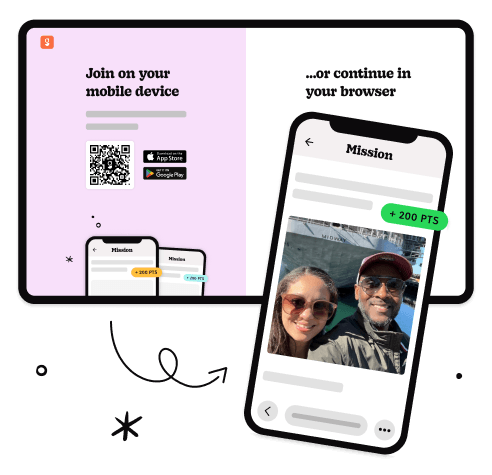
Join the Experience
Choose to play as a guest, create an account, or log in.
Select how you'll appear in the Goosechase Experience - as an individual player or as part of a team, and away you go!
Complete Missions
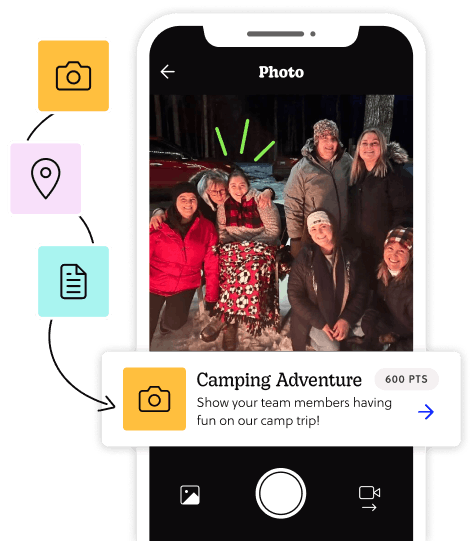
To earn points, complete Missions from the list. Mission types include photos, videos, GPS check-ins at specific locations, or answering questions and riddles.
The Experience creator can review all submissions and award bonus points, so put your best feathers forward!
See the action... live!
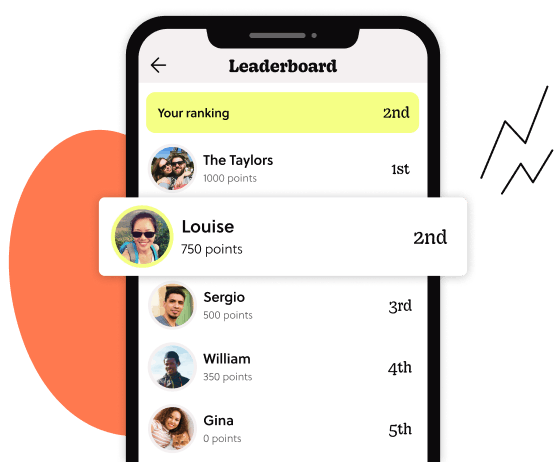
Scope out the live leaderboard to see how the Experience is progressing. You can pull inspiration from what others are doing, or give big thumbs up to the submissions you think are awesome.
Celebrate, share, repeat
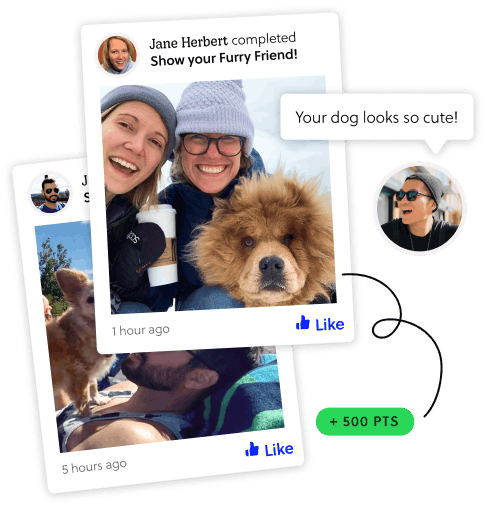
The Experience may be over, but the good times keep rolling. Scroll through the activity feed to see everyone's submissions, toss out some likes, and bond with other participants!
Create your own Experience
Want to run your own Experience? Make as many Missions as you can muster, and watch the magic happen.